
Problem Definition:
This blog is regarding a new feature named ‘Goals in Project for the Web’. In Project for the Web, it was not possible earlier to have an alignment within the team and set the priorities for the same.
What are Goals in Project for the Web?
You can simply establish and monitor objectives for your project using the objectives tool in Microsoft Project. You can also link these goals to specific tasks so that the work you describe is in line with your goals.
Solution
- How to access goals:
- Select Goals from the header to see the Goals view in your Project.
- By selecting the “Add goal” option and entering some preliminary information, such as the goal title, finish date, status, and a distinctive color, you may add goals here.

- Once you have your goals defined, you can add additional details by clicking into a goal and adding a description, start date, and priority.

- You may link related tasks to your objectives to make it easier to keep track of your progress towards achieving them and to make sure you are making the appropriate amount and kind of investment in each. This will enable you to determine which objectives are at danger because of projects that are running behind schedule, identify areas that require investment, and assist the team understand how their efforts are contributing to the achievement of a larger objective..

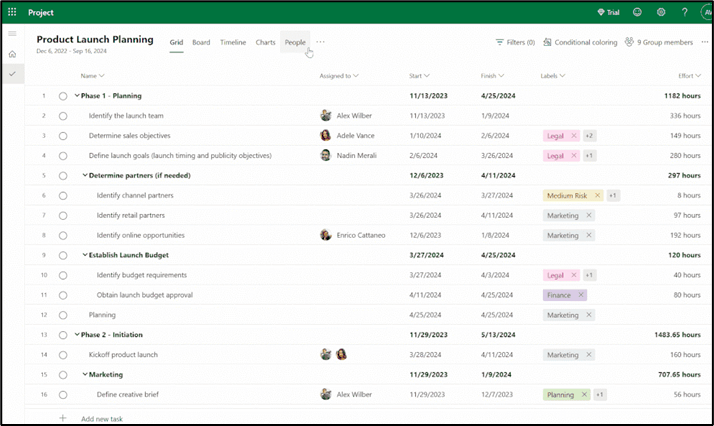
- It is also possible to filter these tasks based on the goals in different views available in Project for the Web:
- Board view:

- People View


- Grid View

- Charts View

Limitation
- Each project is limited to 10 goals.
- Summary task cannot be linked to a goal.
- Each task can be linked to only one goal.
Thank you, Sankalp for your valuable inputs for this blog!

 D365 Feeds