
Introduction:
Enabling OneNote integration to provide the advantage of seamlessly incorporating OneNote for capturing or revisiting customer notes directly within our records. This integration can be configured alongside SharePoint Online, but it requires a Microsoft 365 subscription for leveraging OneNote functionality within model-driven and customer engagement apps.
Steps to Turn on OneNote integration.
- In the Power Platform admin centre, select an environment.
- Select Settings > Integration > Document management settings.
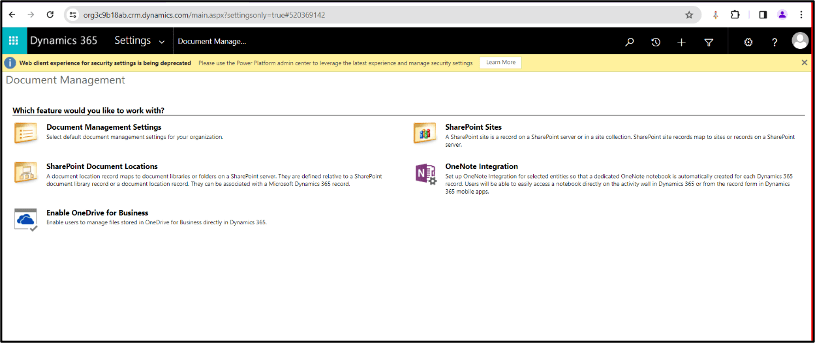
- Select OneNote Integration.

- Turn on OneNote integration for selected entities. Choose entities for which user needs a notebook record. Select Finish.

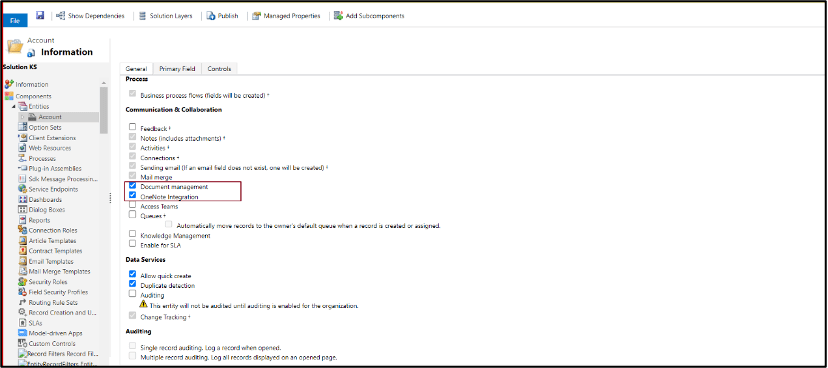
- Verify OneNote option is enabled for the selected entity.
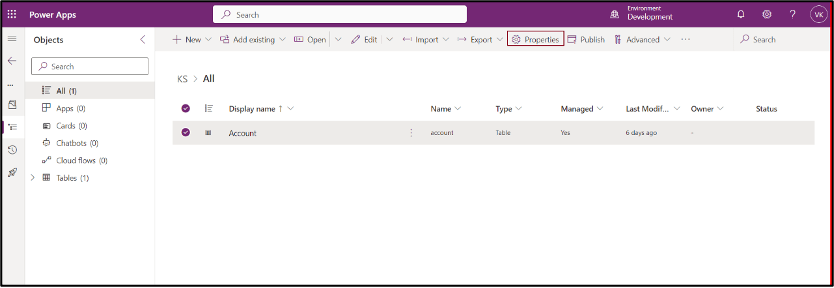
- Open PowerApps >> Select Table >> click on Properties.

- Check one note integration is enabled or not.
- User can verify OneNote option is enabled or not in classic view.
Implementation:
- Open Dynamic (SalesHub) >> create a record.
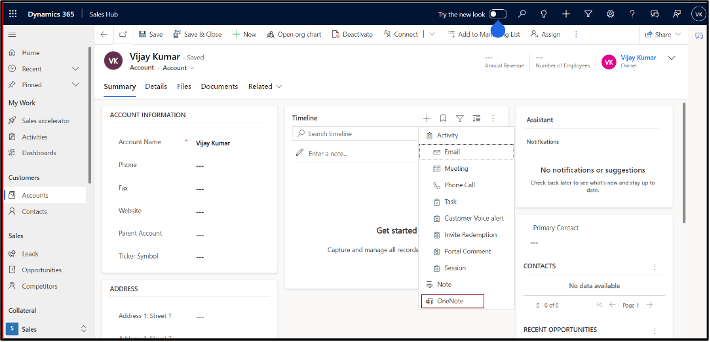
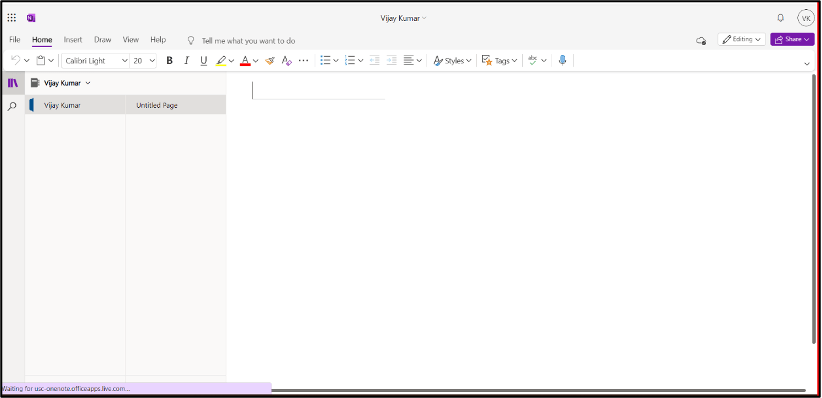
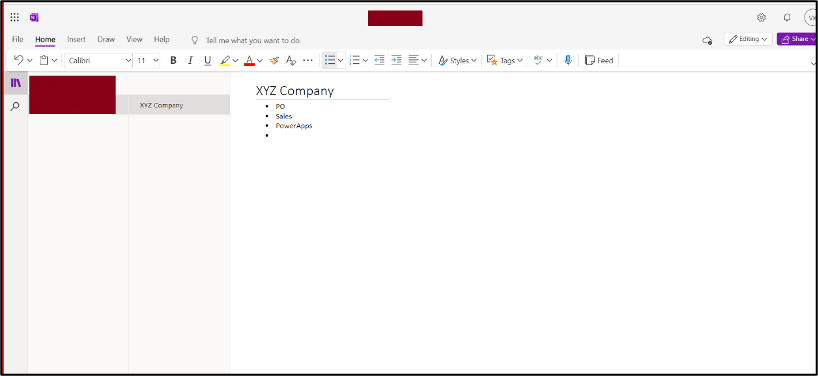
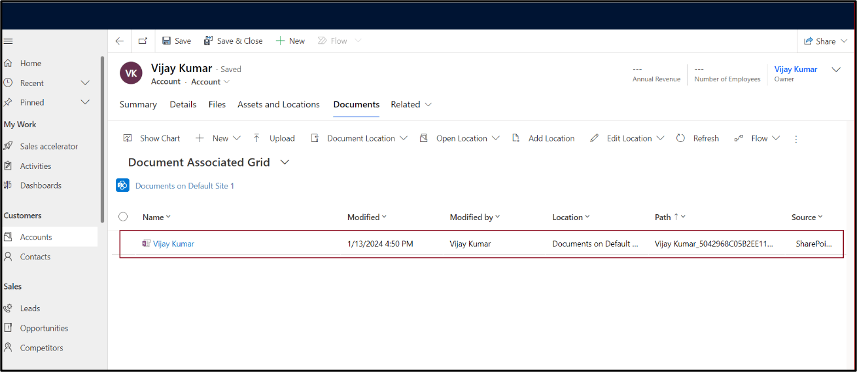
- On click on add One Note it will redirect you to One Note page and user will find the saved file in document location.

 D365 Feeds